
Checked October 26, 2026
Interrogation Guide: Brain Scan, Fingerprints and Lie Detector
Recognize the interrogation minigames in Airport Security, read their on-screen instructions and distinguish a test result from a passenger guess.
Quick answer
Use the available test, follow its live instruction and wait for its result. The recording shows a timed brain-scan target, fingerprint tracing and a lie-detector screen with timed rings and a heart-rate monitor.
Continue: Body Scanner§Read the active test before starting#
The developer names four interrogation tools: lie detector, brain scan, eye exam and fingerprint test. A recorded interrogation room contains the passenger seat and testing equipment. Availability can vary by the situation, so do not assume every room begins with the same test.
Read the instruction before interacting repeatedly. The test can introduce a timer, a moving target or a subject Crash Out meter. The subject meter shown during these tasks is separate from the employee meter at the lower left.
§Brain scan: press inside the target#
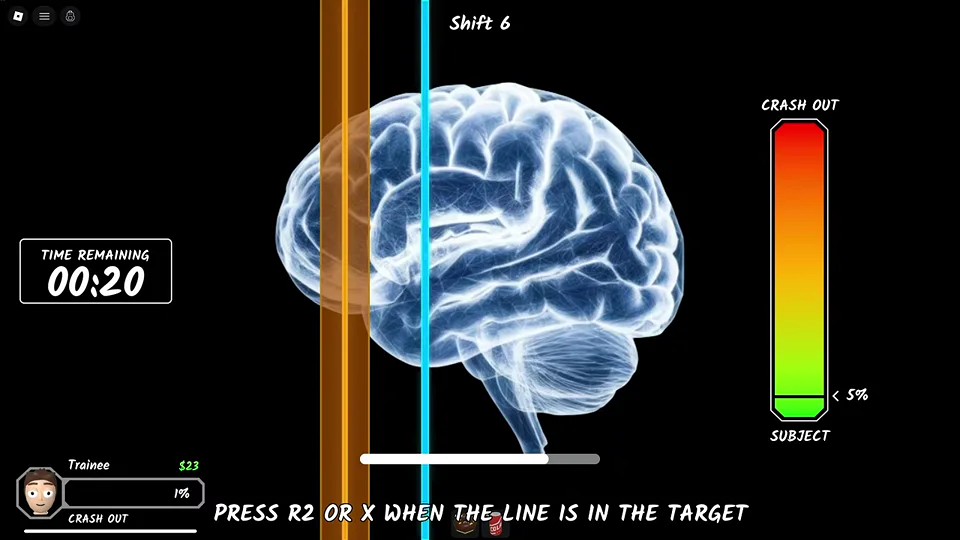
The recorded brain-scan interface shows a moving vertical line and a colored target region over a brain image. Its instruction says to press R2 or X when the line is in the target. A countdown appears on the left and the subject Crash Out meter appears on the right.
Watch one pass of the moving line so you can judge its timing, then use the button displayed by your own input mode while the line is in the target region. Do not copy the remaining time or percentage from this screenshot as a fixed requirement.
If you miss, read the new state before trying again. We have not verified a universal penalty per miss or a guaranteed number of attempts.
§Fingerprint test: trace the pattern#
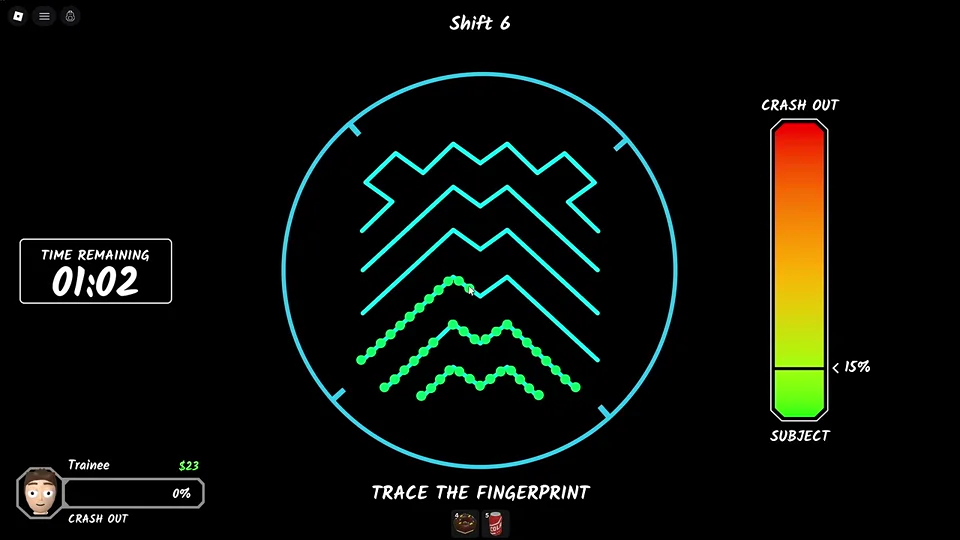
The fingerprint interface displays a cyan line pattern and the instruction TRACE THE FINGERPRINT. In the recorded frame, part of the route is marked by green dots while the rest remains cyan. A countdown and subject Crash Out meter remain visible.
Follow the displayed pattern carefully using the controls in your session. Keep your attention on the route and remaining time. This image supports the tracing task and its progress display; it does not prove a particular mouse sensitivity, controller binding or fixed time allowance.
§Lie detector: rings, questions and the result#
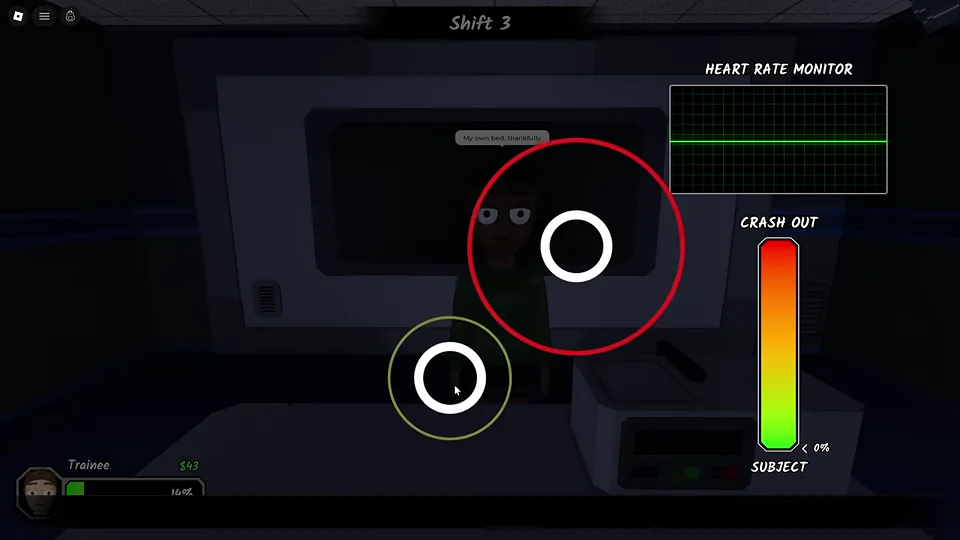
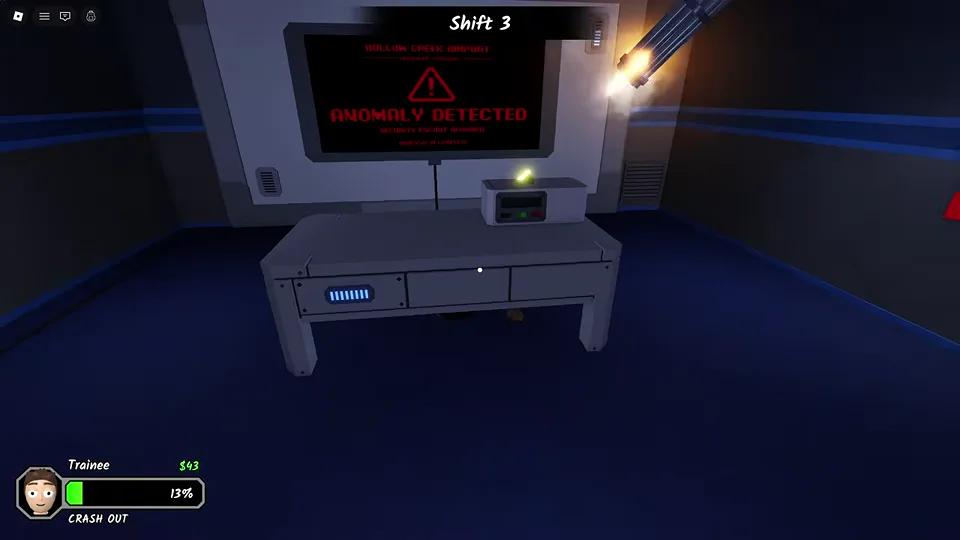
The lie-detector sequence places rings over the passenger view while a heart-rate monitor and subject Crash Out gauge are shown at the right. Passenger questions appear at the bottom. The recorded sequence ends with an explicit ANOMALY DETECTED result.
Follow the live ring prompts while reading the test state. A calm line or one ordinary answer is not enough to replace the final result. Wait until the machine reports its conclusion before treating the sequence as resolved.
The recording does not establish a guaranteed answer script for all passengers. Memorizing dialogue from one suspect is less reliable than completing the active test and reading its result.
§Eye exam: keep the laser in the pupil#
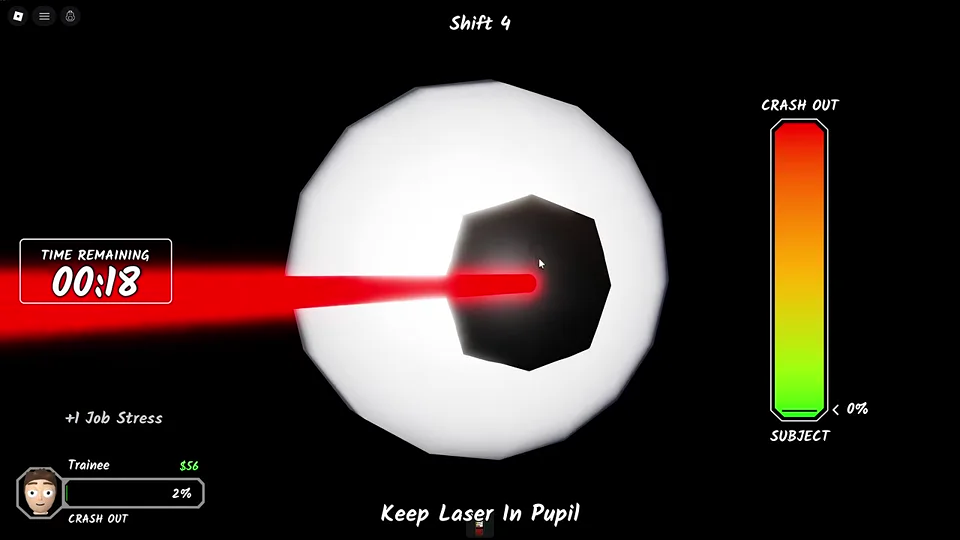
The recorded eye exam displays a large eye and the instruction Keep Laser In Pupil. Keep the laser aligned with the pupil while watching the remaining time and the subject Crash Out meter.
Use the controls displayed in your own session. This frame confirms the alignment objective; it does not establish a universal input binding, fixed timer or penalty for losing alignment.
Scope and sources
About this guide
- Gameplay images are from an October 8 recording. Later updates may change layouts, prompts and events. Follow the instructions displayed in your session.